TXT ➔ CSV Converter - Withdata DataFileConverter

Local Desktop Tool • Batch Convert • Merge Files • Full Platform Support

Ultra-Fast Speed
100% Local Safe
Batch & Merge
Windows/Mac/Linux

Powerful Features for TXT to CSV Conversion

All-in-one solution for individual, batch, merged, and automated TXT to CSV conversion

Single File Conversion

Visual wizard, auto-detect delimiters, real-time preview, encoding & column mapping support.

Batch TXT to CSV

Convert entire folders of TXT files to CSV 1:1. Support subfolders & bulk rules.

Merge TXT to One CSV

Combine multiple structured TXT files into a single CSV with unified headers.

Large File Support

Handle 4GB+ big TXT files smoothly with low-memory streaming processing.

Command Line & CLI

Run conversions via command line for automation & scripting.

Scheduled Automation

Create scripts & schedule tasks for unattended batch conversion.

How to Use

Simple steps for GUI, Batch, Merge, and CLI modes

GUI Mode (For Regular Users)

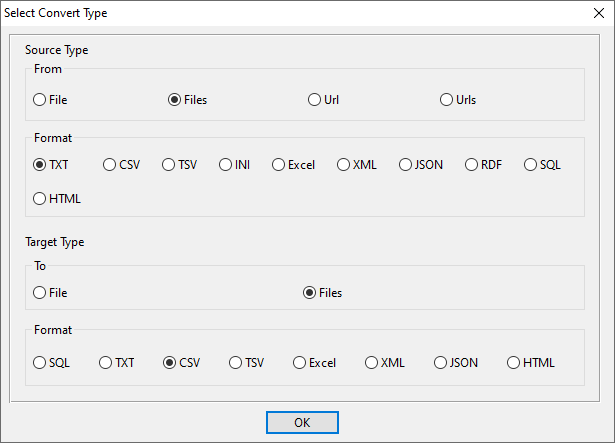
  1. Create a new conversion: Source = TXT, Target = CSV
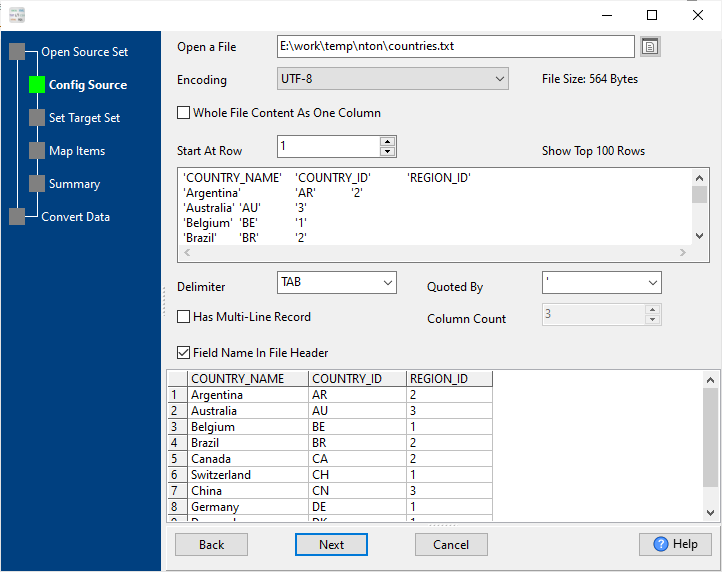
  2. Load your TXT file – auto-detect delimiters and headers 📷
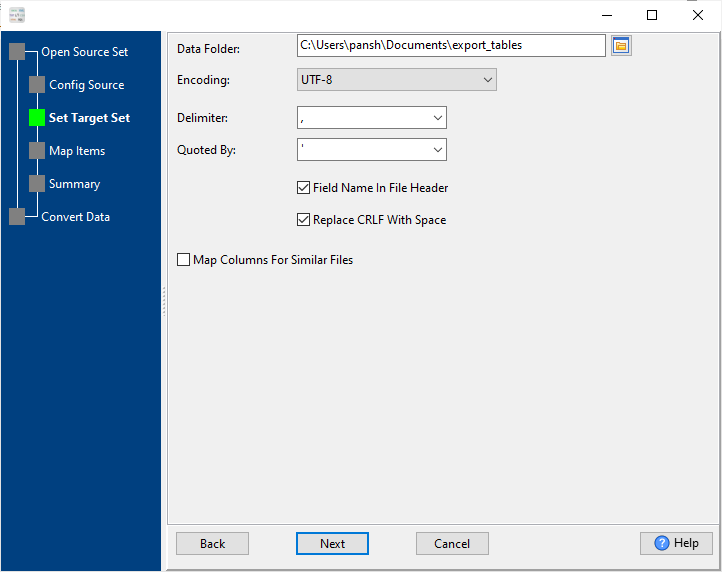
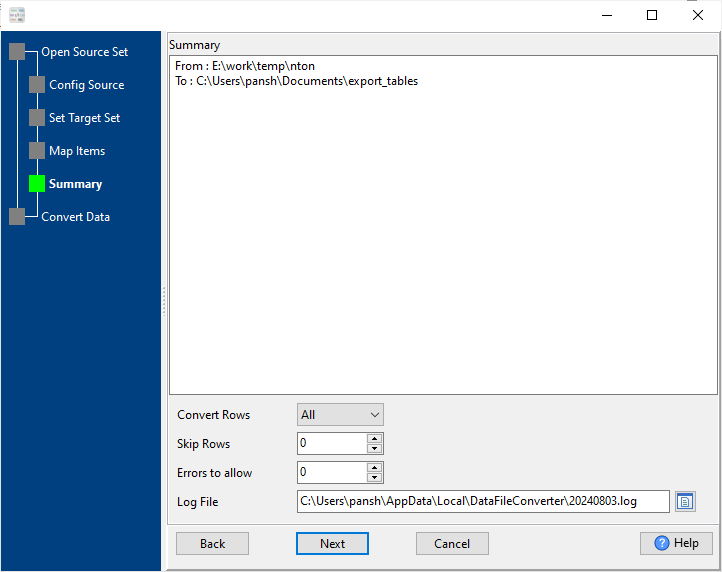
  3. Set output path, encoding, and column mapping 📷
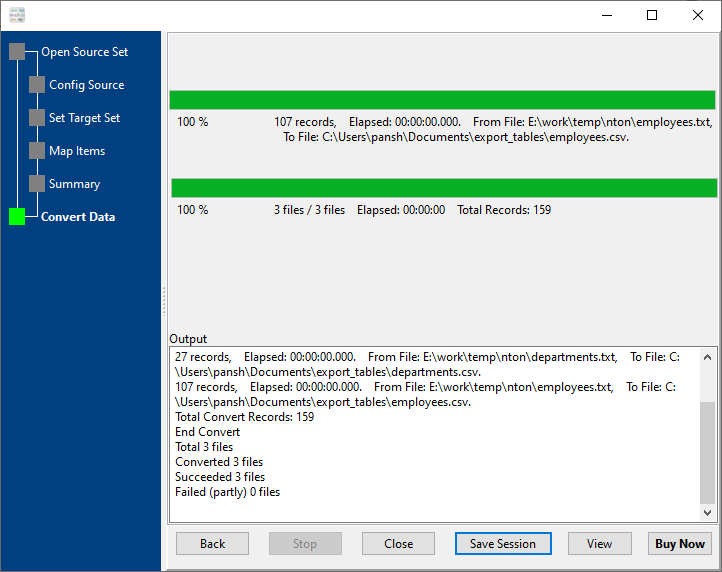
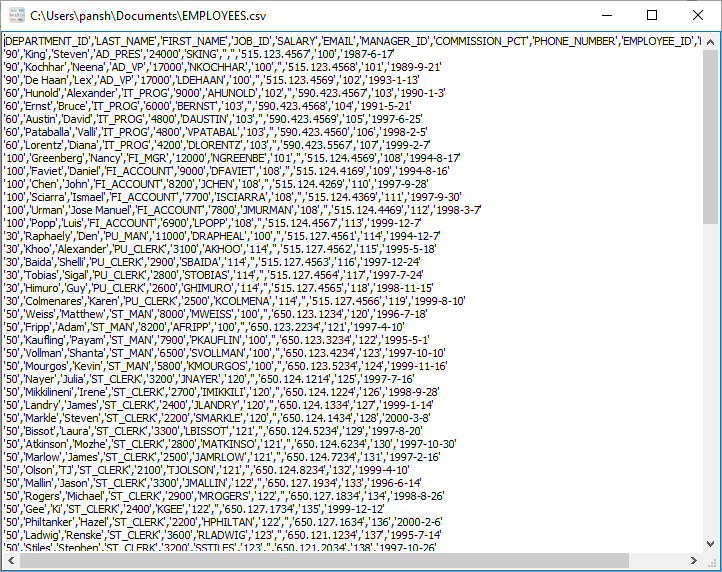
  4. Click Convert 📷 and open your CSV file 📷

Batch & Merge Mode

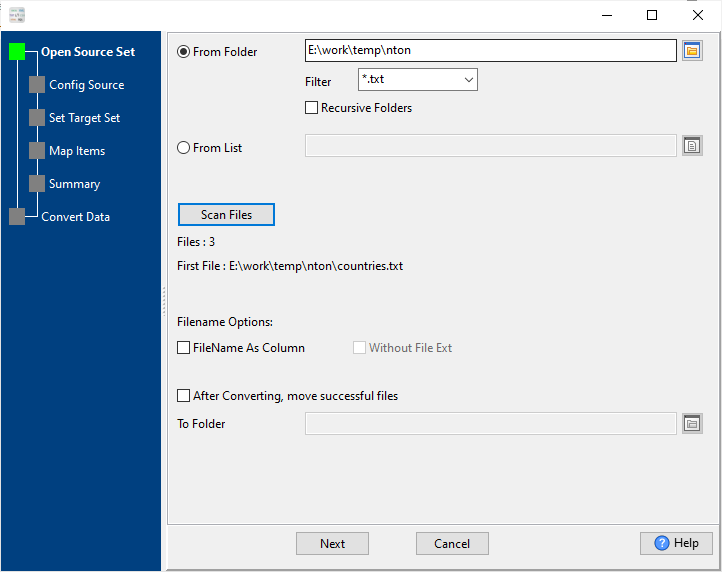
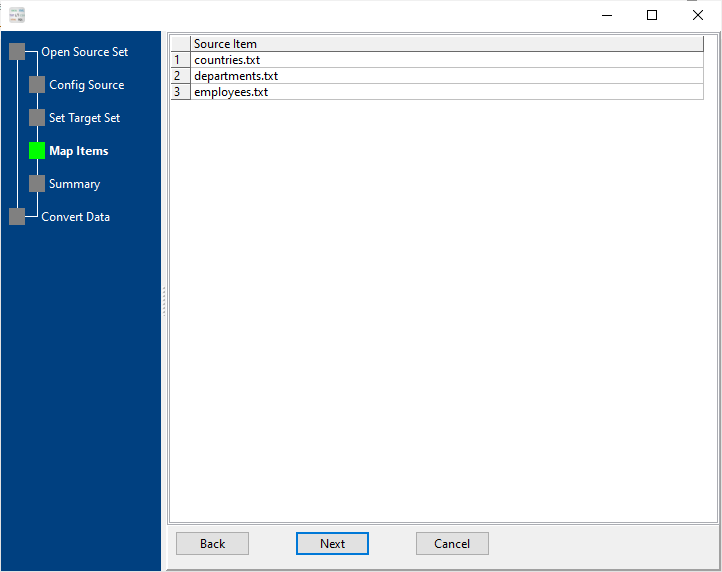
  1. Select multiple TXT files or a folder 📷
  2. Choose output mode: Batch (1:1) 📷 or Merge (one CSV) 📷
  3. Apply unified formatting rules
  4. Start conversion with one click

Command Line & Automation

  1. Configure and save your conversion session in GUI 📷
  2. Run the session via command line or script
  3. Schedule with Windows Task Scheduler / Linux Crontab
  4. Fully automated unattended conversion

Why Choose Our TXT to CSV Converter

High-Speed Processing

Millions of rows processed in seconds

Local Data Security

No cloud upload, full privacy protection

Cross-Platform Support

Windows, macOS, Linux native versions

GUI + CLI Dual Mode

Easy for beginners, powerful for developers

Intelligent Format Detection

Auto detect delimiters, encoding, headers

Stable & Reliable

Error logging, fault tolerance, large file support

Frequently Asked Questions

Will large TXT files cause lag or crashes during conversion?

No. Our tool supports TXT files larger than 4GB with streaming reading and writing, which uses low memory and runs smoothly without freezing or crashing.

Is my data secure when using this TXT to CSV converter?

Absolutely secure. All file processing is done LOCALLY on your device. No files are uploaded to any cloud server, ensuring full data privacy and compliance.

Does this tool support macOS and Linux systems?

Yes. We provide native versions for Windows, macOS, and Linux. The GUI and command-line functions are fully consistent across all platforms.

Can I batch convert or merge multiple TXT files into CSV?

Yes. You can batch convert TXT files to CSV one-to-one, or merge multiple structured TXT files into a single CSV file with unified formatting.

Can I automate conversion with scheduled tasks?

Yes. Save your conversion settings as a session, then run it via command line. You can create batch/shell scripts and schedule tasks with Windows Task Scheduler or Linux crontab.

Does the tool automatically detect delimiters in TXT files?

Yes. It intelligently detects commas, tabs, pipes, spaces, and custom delimiters. It also auto-detects headers, encodings, and data formats for fast setup.

Start Converting TXT to CSV Today

Free trial available | Full version with lifetime updates