Convert Single, Batch, Merged & Cloud CSV to SQL — Fast & Offline
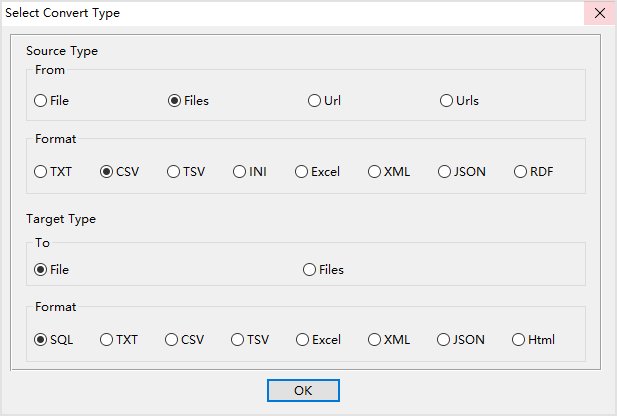
Withdata DataFileConverter tool allows you to convert CSV data into standard SQL INSERT statements easily. It supports single file conversion, batch converting multiple CSV files to SQL files, merging multiple CSV files into one SQL table, and even loading CSV from cloud URLs to SQL.
All conversions run locally on your computer, ensuring your data stays private and secure. It works on Windows, macOS, and Linux.
Download DataFileConverter Online CSV to SQL File Import CSV to SQL Database
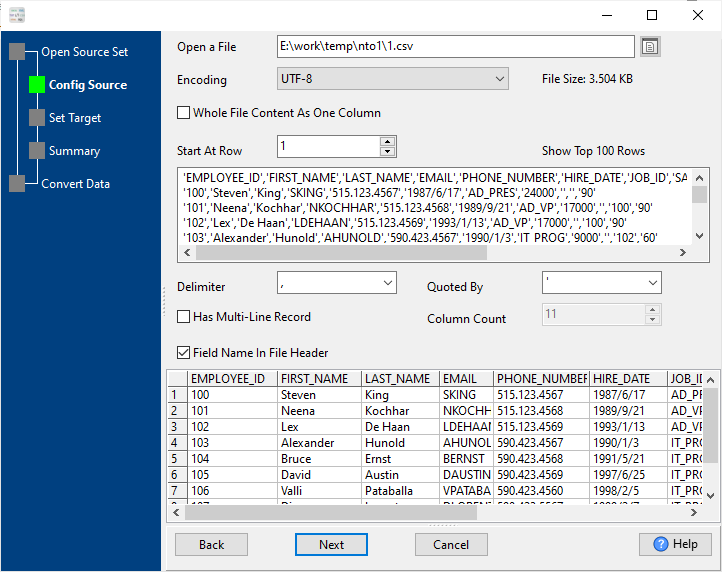
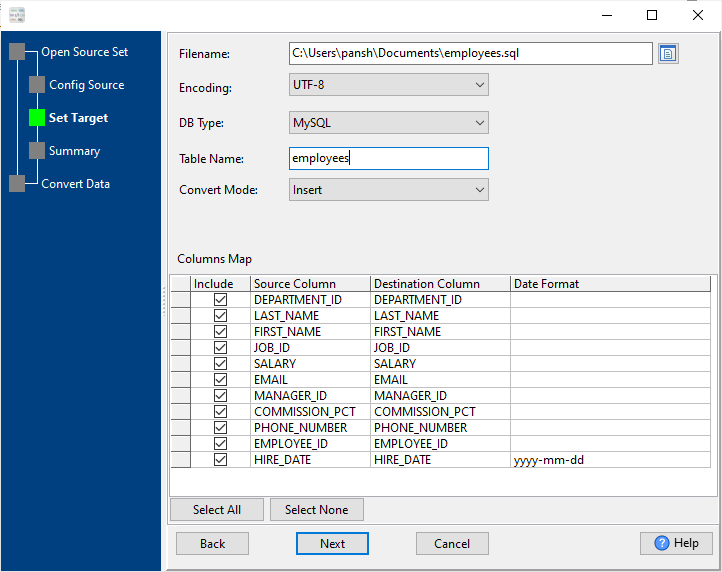
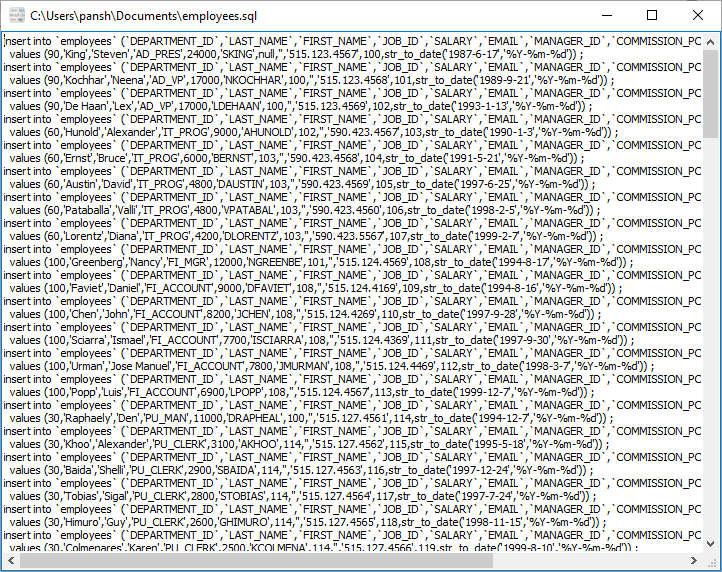
Convert one CSV file to SQL with full column mapping, encoding, delimiter, and quote settings.
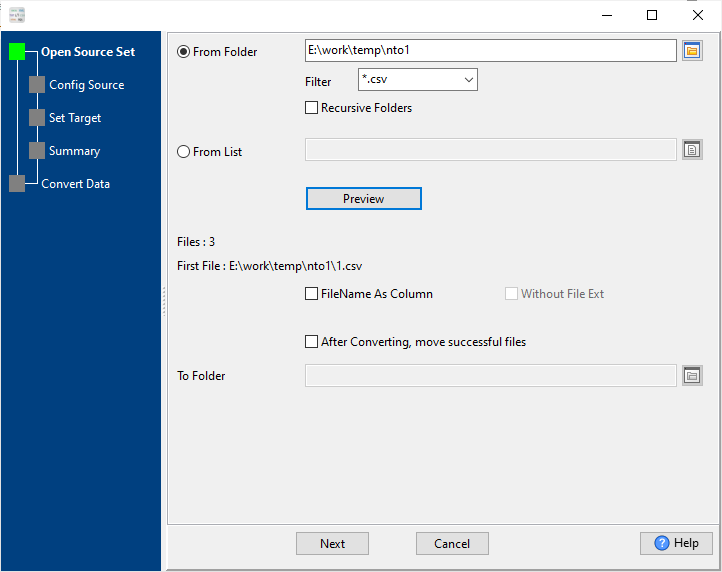
Convert a whole folder of CSV files to separate SQL files automatically with 1:1 naming.
Combine multiple CSV files into a single SQL file and one unified table.
Directly load CSV from URL / cloud storage and convert to local SQL files.
Optimized for big CSV files over 4GB with fast, low-memory processing.
Use visual wizard or command line for scheduling and scripting.
Native support for Windows, macOS, and Linux systems.
No uploads, no internet required, no data leakage risk.
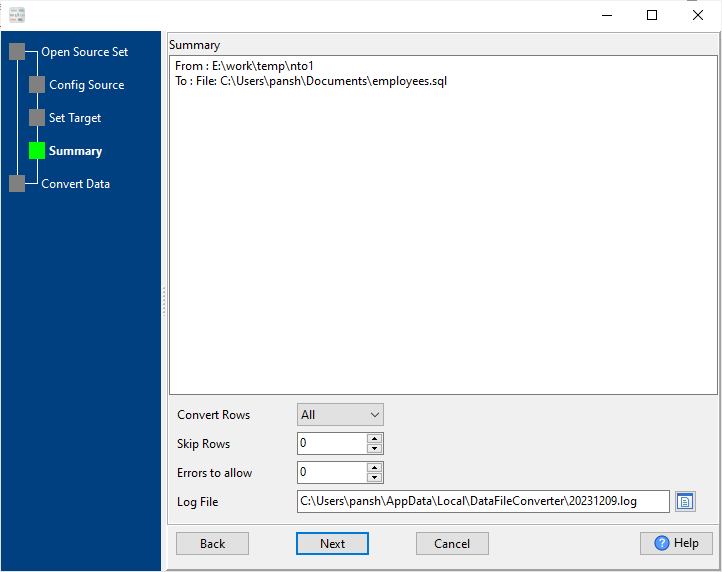
Basic conversion for individual files. You can preview data, set target table name, adjust column types, date formats, and NULL handling.
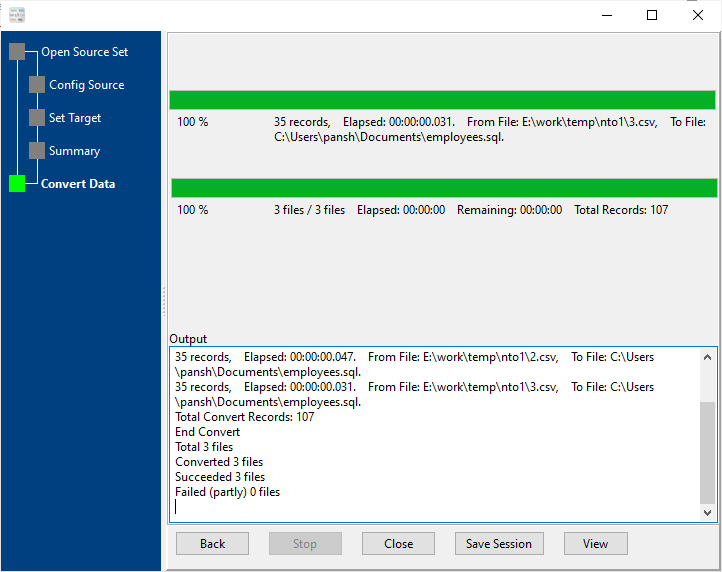
Select an input folder and output folder. The tool automatically converts every CSV file to a corresponding SQL file while preserving structure and naming.
Merge many CSV files with similar or identical structures into one SQL file, ideal for consolidated database import.
Enter a public CSV URL, the tool downloads the file and converts it directly to SQL without manual saving.
How fast is CSV to SQL conversion?
It can process millions of rows in less than one minute, depending on your system performance.
Is my data secure during conversion?
Yes. All conversion is done locally on your computer. No files are uploaded to any server.
Does it support macOS and Linux?
Yes. The tool supports Windows, macOS, and Linux with native packages.
Can it handle large CSV files above 4GB?
Yes. It is optimized for large CSV files with low memory usage and stable performance.
Can I automate CSV to SQL conversion?
Yes. You can save conversion sessions and use the command-line interface (CLI) to schedule tasks via cron or Windows Task Scheduler.
Can I merge many CSV files into one SQL table?
Yes. The merge mode allows combining multiple CSV files into a single SQL file and one table.
Does it support CSV from cloud or URLs?
Yes. You can directly load CSV from a URL and convert it to SQL without downloading manually.
Download Withdata DataFileConverter today to convert CSV to SQL quickly, securely, and flexibly.
Download DataFileConverter Now