MySQL to SQL Converter – Export MySQL to SQL Files Easily

Export MySQL tables, queries, batch tables, and similar tables to SQL files. Support dynamic filenames with current date, GUI & CLI, cross-platform.

Want to transfer MySQL data to SQL Database instead of SQL file? click the link, for SQL Server, MySQL, PostgreSQL, SQlite, Oracle, etc.

Core Features

All Export Modes

1. Export MySQL Table to SQL

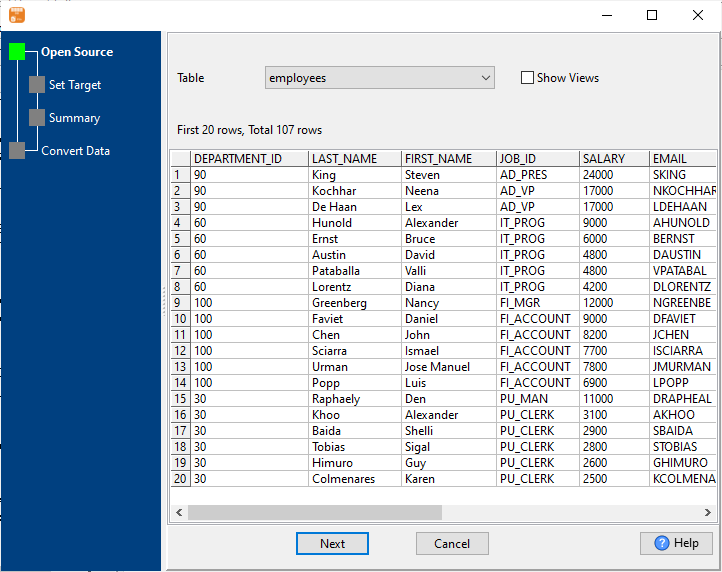
Convert any MySQL table to standard SQL INSERT statements. Customize encoding, target database type, column mapping, and date formats. 📷

2. Export MySQL Query Results to SQL

Run custom queries inside MySQL and export filtered result sets to SQL without saving to a new table. Perfect for conditional data export. 📷

3. Export Multiple Similar Tables to One SQL File

Merge multiple MySQL tables with the same structure into one SQL file. Ideal for periodic or segmented data tables. 📷

4. Batch Export MySQL Tables to SQL Files

Export dozens of tables at once – each table generates its own SQL file automatically. Save hours of repetitive work. 📷

5. Dynamic Filename with Current Date & Time

Auto-generate filenames like sales_2026_03_26.sql using built-in variables: 📷

#yyyy# #mm# #dd# #hh# #mi# #ss#

Supports both table export and query export.

How to Export MySQL to SQL (4 Steps)

Step 1: Connect to MySQL Database

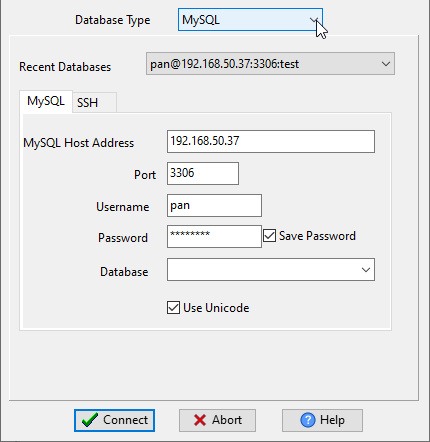
Enter your MySQL host, port, username, password, and target database (support for SSH/SSL), and connect. 📷

Step 2: Choose Export Mode

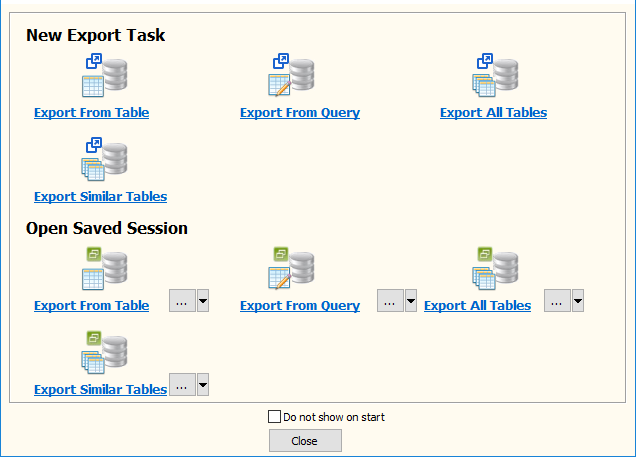
Select: Single Table 📷, Query 📷, Batch Tables 📷, Similar Tables 📷.

Step 3: Configure Output Settings

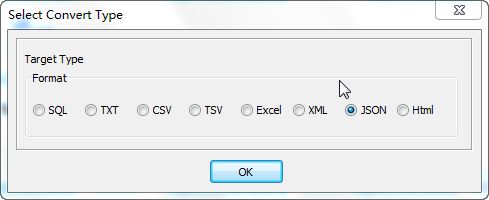
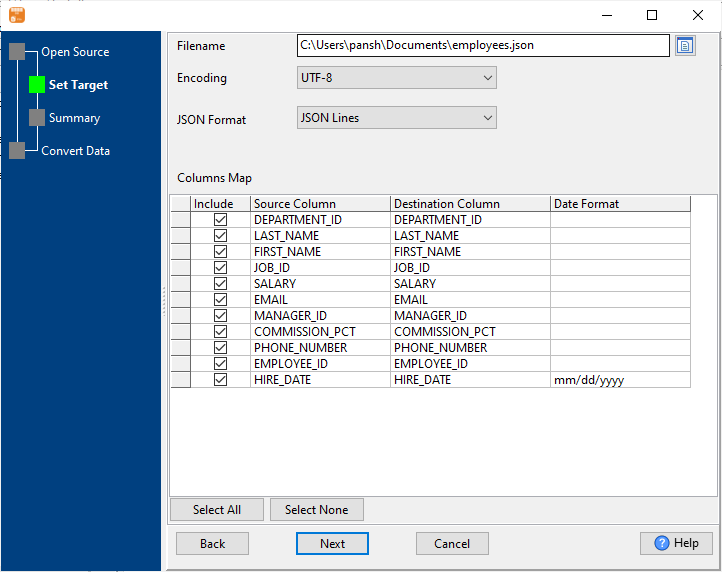
Set output path, SQL format, encoding, target database type, and filename rules. 📷

Step 4: Start Export

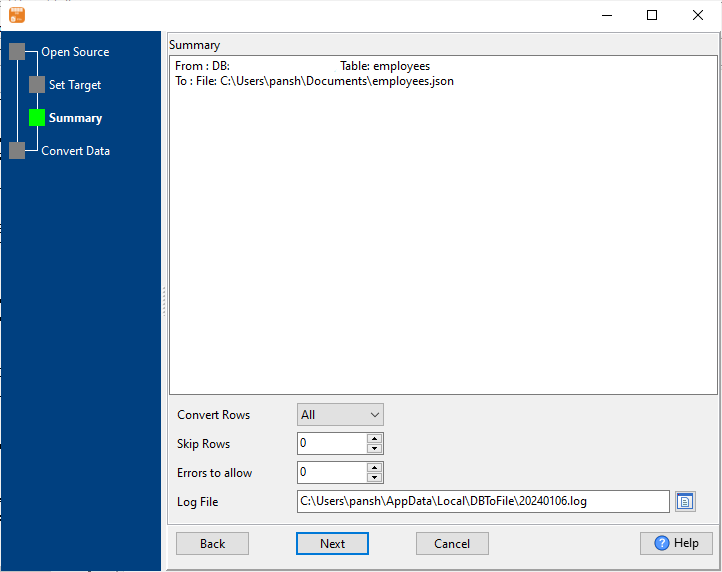
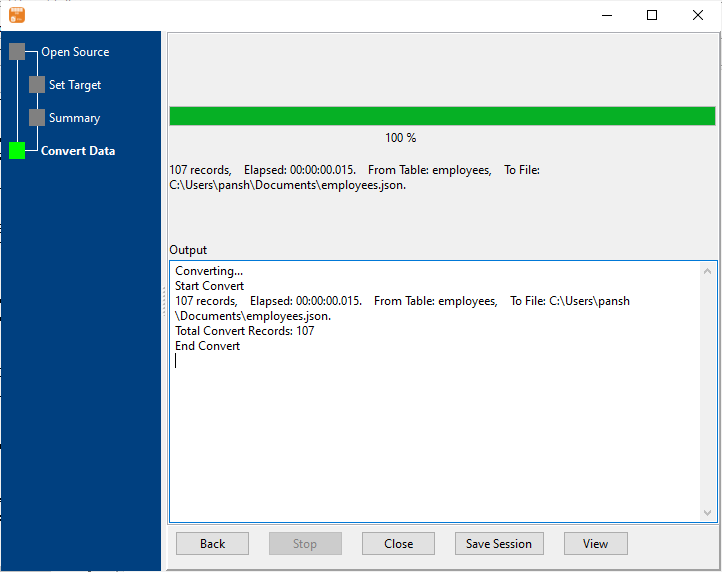
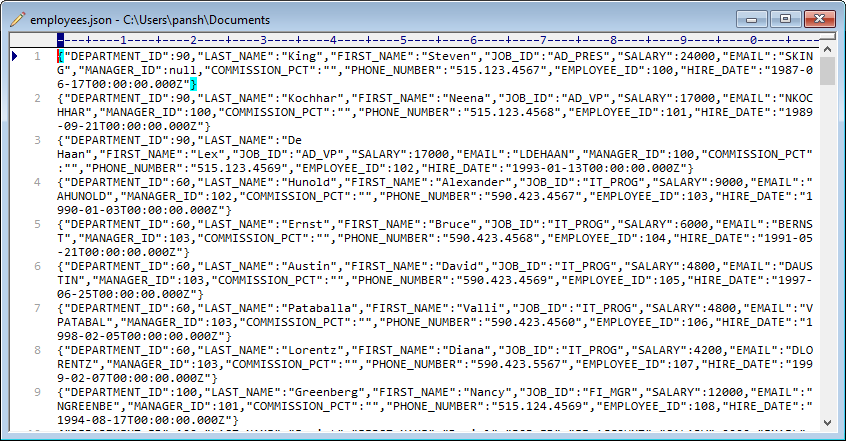
Click convert and get your SQL file instantly. Save session for future reuse. 📷

Automate with CLI (Command Line)

For scheduled tasks and automation, use CLI mode on Windows, Mac, or Linux.

DBToFile session="C:\Users\pan\Documents\DBToFile_t.uld" logfile="C:\Users\pan\Documents\DBToFile_t.log"

Schedule with Windows Task Scheduler or Crontab for automatic daily/weekly exports.

Frequently Asked Questions

Q: What MySQL versions does DBToFile support?

A: DBToFile support MySQL 5.5, 5.6, 5.7, 8.0, 8.4, 9.0+.

Q: Can I export large tables?

A: Yes. It supports millions of rows with high speed and stability.

Q: Can I add the current date to my SQL filename?

A: Yes. Use dynamic variables like #yyyy#-#mm#-#dd# in the output filename.

Q: Is my data secure?

A: All conversion runs locally. No data is uploaded to any server.

Start Exporting MySQL to SQL Today

Free trial available. Full version supports unlimited exports and automation.

Download Now