Want to batch import CSV files into Redis hash keys without programming?
Using Withdata Redis Data Studio, a desktop CSV importer for Redis, you can batch import CSV files into Redis hash keys easily and fast.
- Can run in GUI mode, Step by Step, just a few mouse clicks.
- Can run in Command line, for Scheduled Tasks and Streams.
- Convert files locally and privately, avoid uploading large CSV file(s) to online services.
- Support Windows, Linux, and macOS.
Download Withdata RedisDataStudio 
Example of bulk importing CSV files into Redis hash keys
Source CSV file folder

An example CSV file

After importing, you can see hash keys, and key value
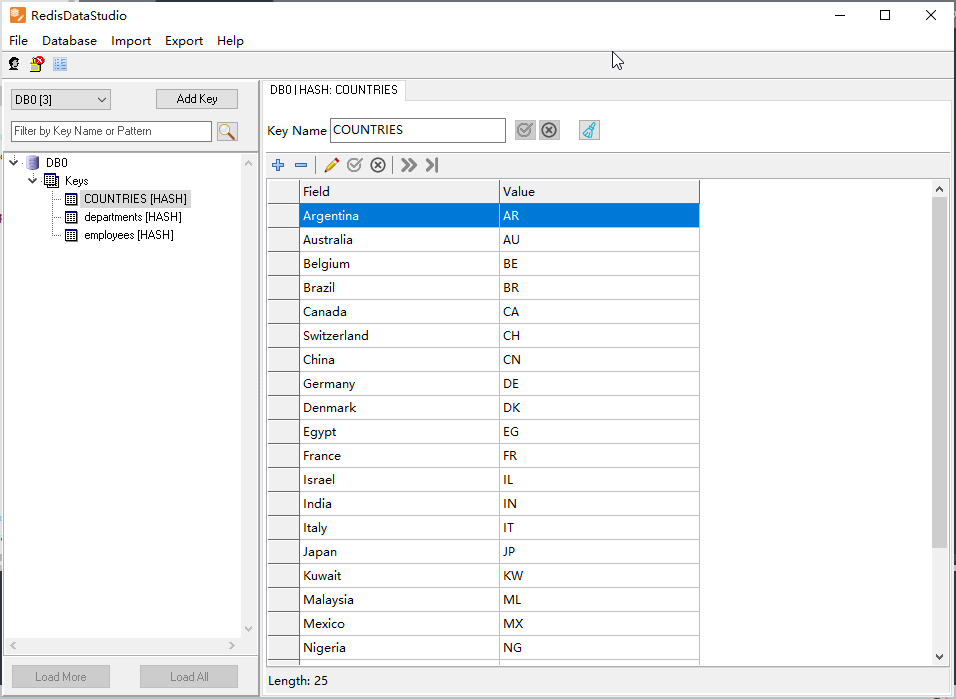
Import CSV files into Redis hash keys
Choose CSV files -> Set Redis hash keys -> Import CSV to Redis
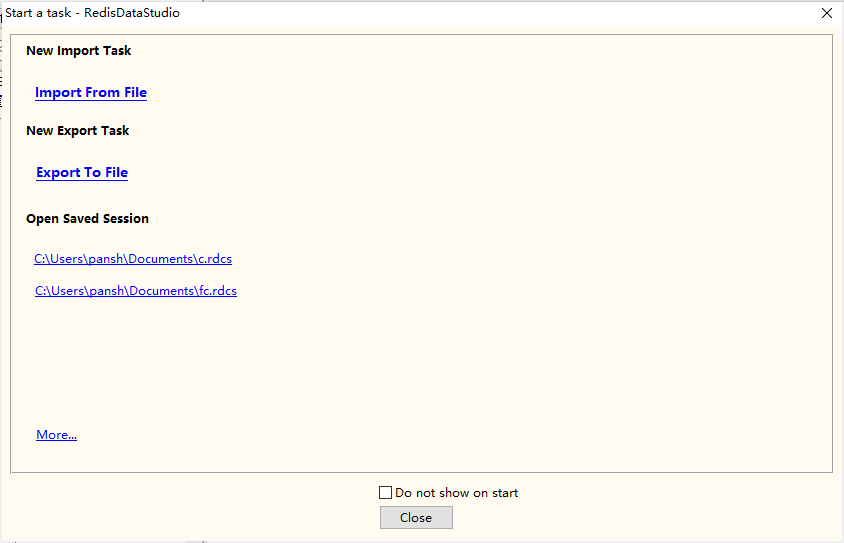
Click “Import From File” at task dialog.
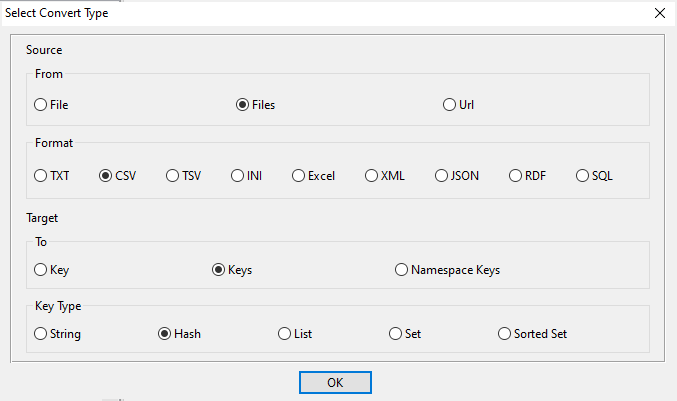
Choose “Files”, “CSV”, “Keys”, “Hash”.
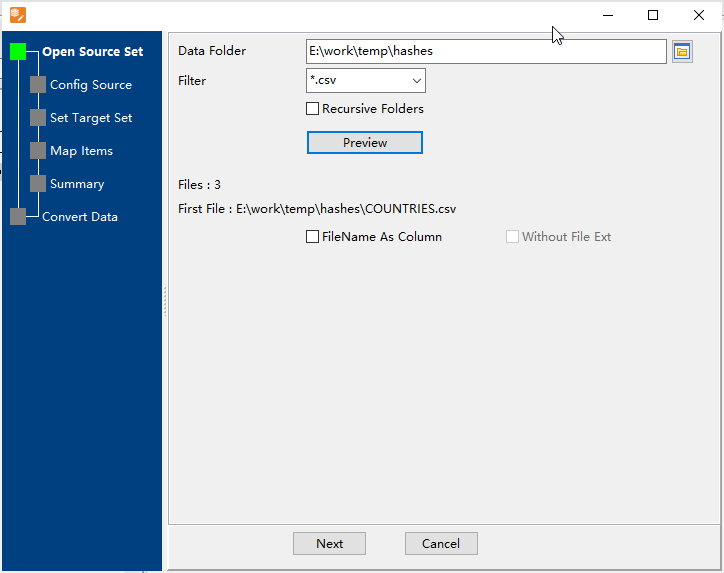
1. Select source file folder.
2. Config first source CSV file.

3. List exists Redis hash keys, choose “Import Type”.
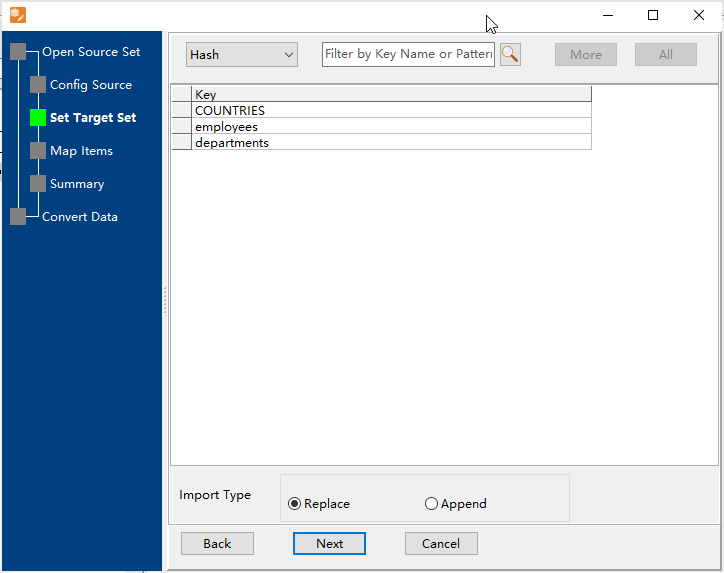
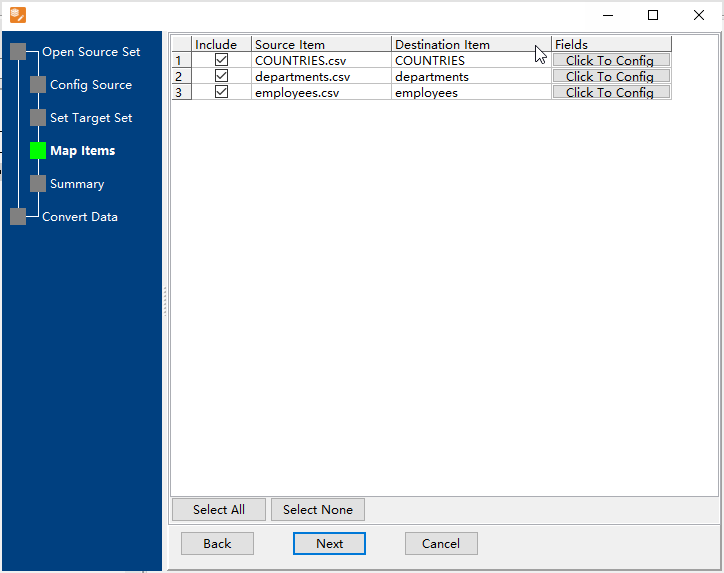
4. Map CSV files to hash keys.
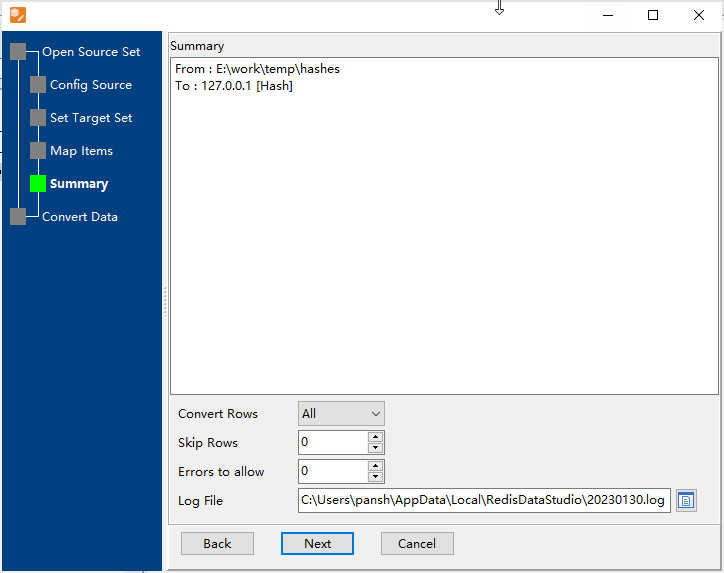
5. Summary.
6. Import CSV files into Redis hash keys.
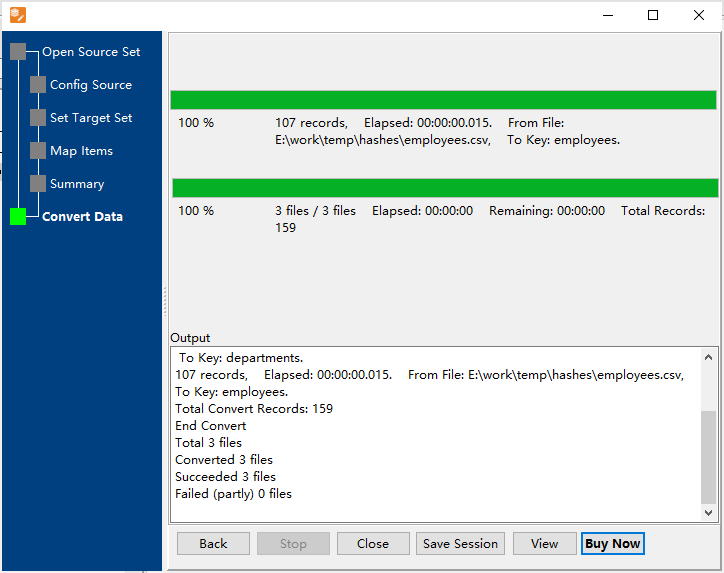
After importing, you can view imported data in Redis hash keys.
More about CSV to Redis Converter
Download Withdata RedisDataStudio
See Video: Batch import data from CSV files to Redis hash keys

