Set Scheduled Task
Set Scheduled Task On Linux/macOS
On Linux/macOS, you can use Crontab.
For macOS, How to Fix Cron Permission Issues in macOS.
Set Scheduled Task On Windows
On Windows, you can click button "Create & Schedule Task".
And then, with scheduled task wizard, step by step.
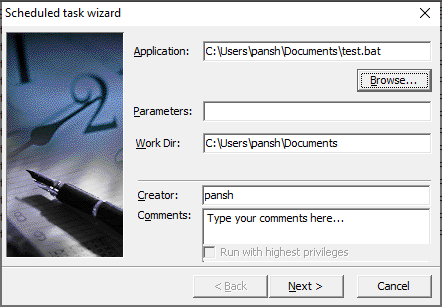
1. Set "Application" to batch file you want to run.
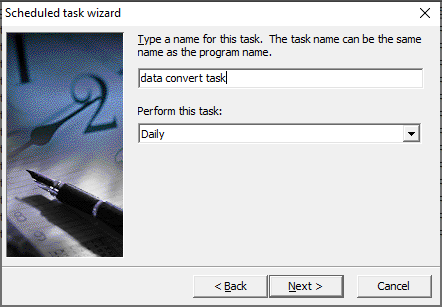
2. Name the task, and choose run type: One time only, daily, weekly, monthly, and more.
Below is setting a daily task.
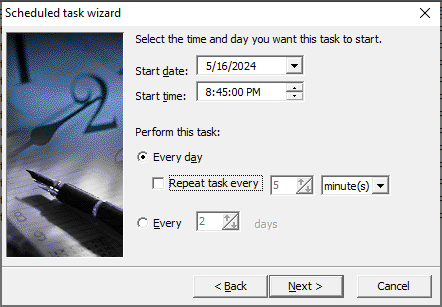
3. Set task's start date/time, frequency.
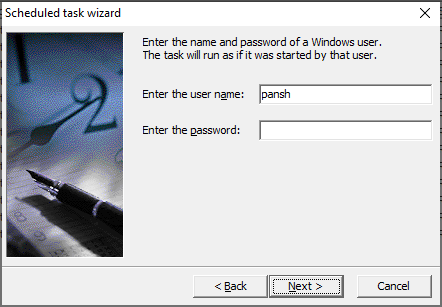
4. Set task's user.
5. View task summary and confirm.
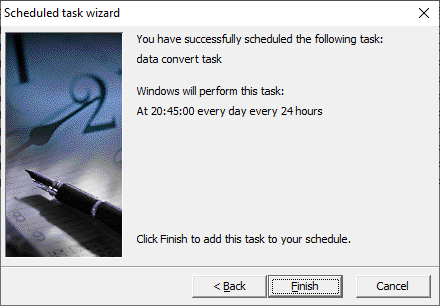
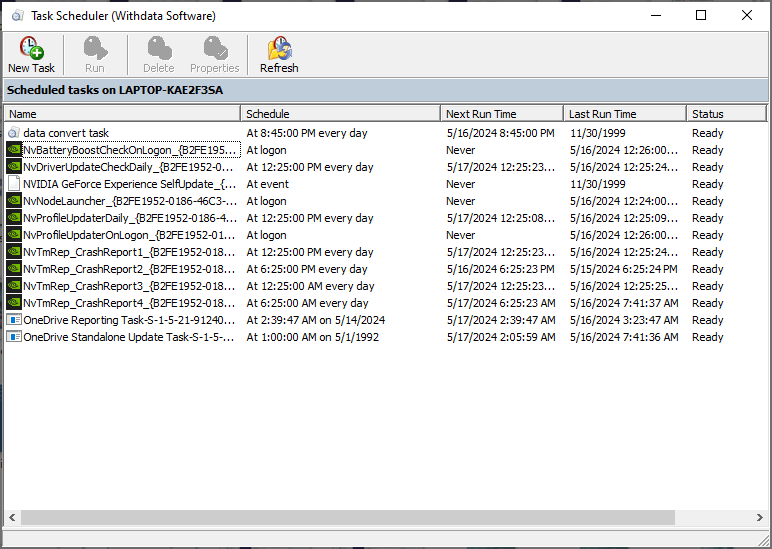
You'll see created task listed in scheduled task list.