BatchImageConverter - Batch Convert Image Files »
Download BatchImageConverter Free Trial » Buy BatchImageConverter Now »
Batch convert images to PDF files
Click "Convert Images to PDFs" at "Start".

then show the converting form, set "Source Folder" and "Output Folder".
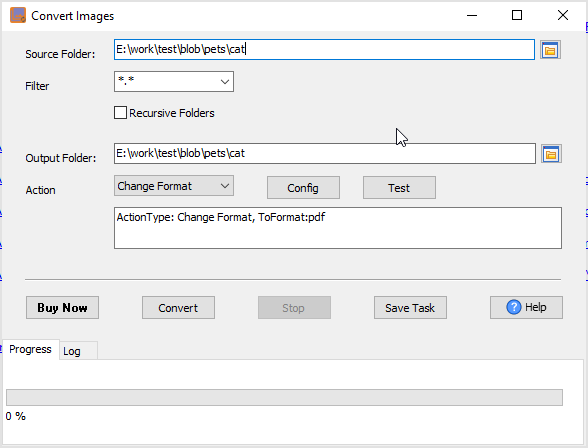
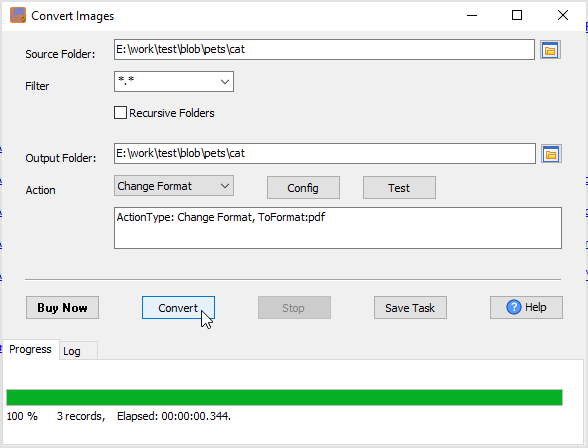
then convert images, like gif, jpg, png, tiff, webp, or “*.ARW” (Sony), or “*.CR2” (Canon), or “*.NEF” (Nikon), or “*.ORF” (Olympus), Or “*.DNG” (Leica), or Apple HEIC images, or others, to PDF files.
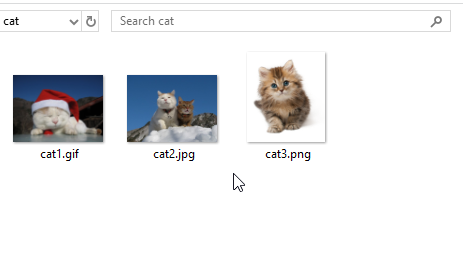
Source images.
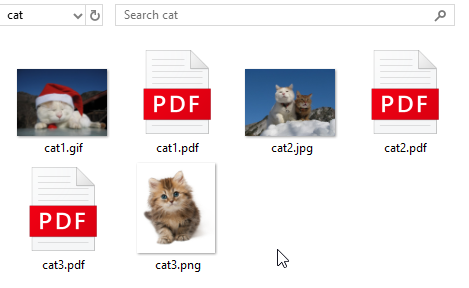
Output PDF files.
For repeatable task, you can click "Save Session" button to save config, then run it next time. see also: Save and load session.