JSON to XML Converter

Local, fast, and secure conversion for JSON, JSONL, API responses, JSON arrays, batch and merge to XML - Withdata DataFileConverter

Download Now User Guide

Supported Conversion Scenarios

Key Features

Local & Secure

All files processed locally on your computer, no upload, no data leakage.

GUI + Command Line

Easy visual interface and support CLI for automation, scheduling and scripts.

JSON Array Support

Intelligently convert JSON arrays into repeated XML elements automatically.

JSONL / NDJSON

Native support for line-delimited JSON format, convert to clean XML.

API JSON to XML

Fetch JSON directly from API URL and export to XML without extra steps.

Batch & Merge

Convert hundreds of JSON files at once, or combine them into one XML.

Large Files

Stream processing for big JSON files up to GBs without memory issues.

Custom XML Structure

Define root node, record node, encoding, namespaces and formatting.

How to Convert JSON to XML in 4 Steps

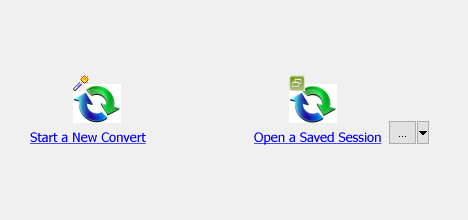
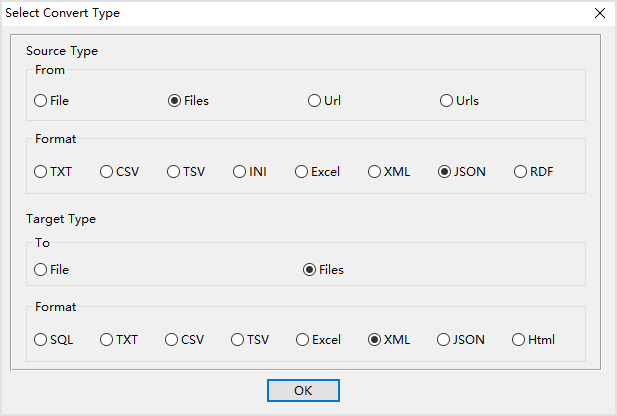
  1. Create a new conversion task and select JSON as source format, XML as target format 📷
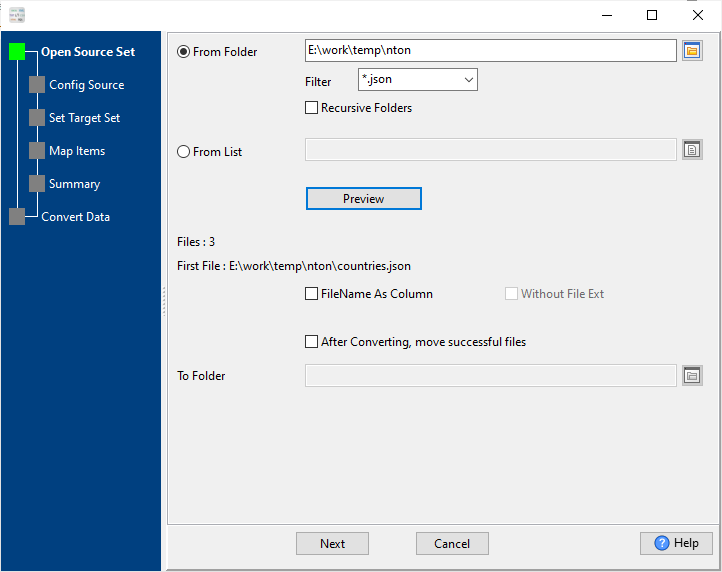
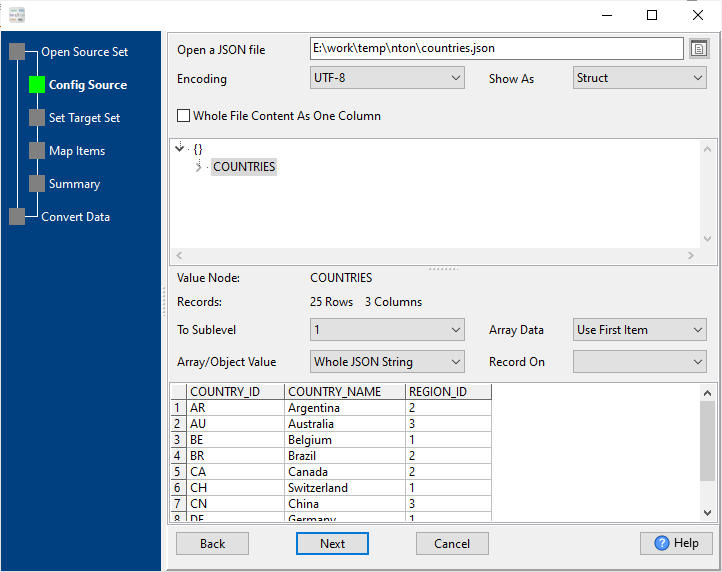
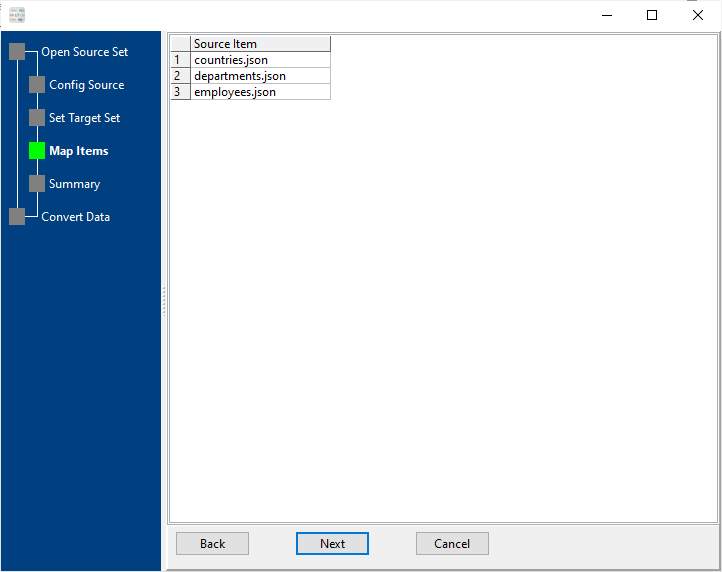
  2. Load JSON file(s), JSONL, or enter API URL to retrieve JSON data 📷
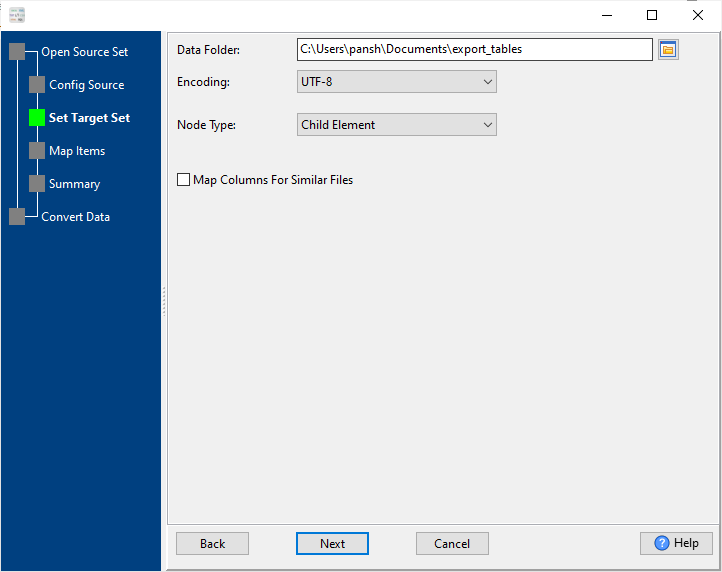
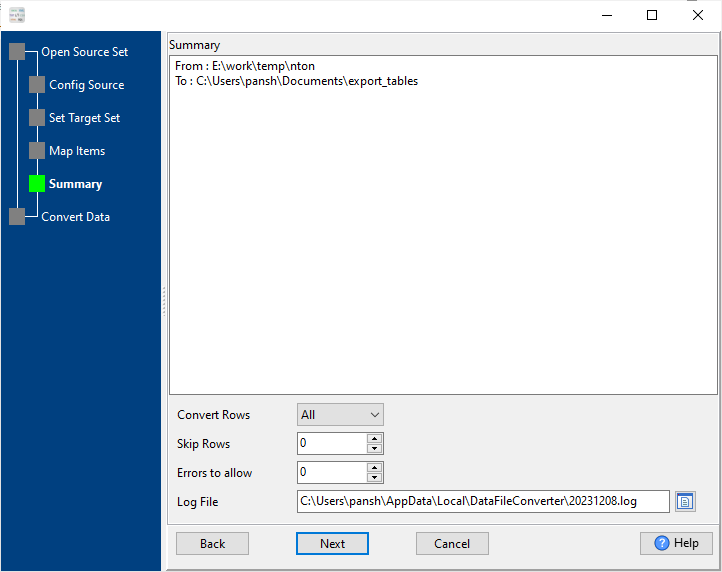
  3. Set target XML output options: node names, encoding, indent, array mapping 📷
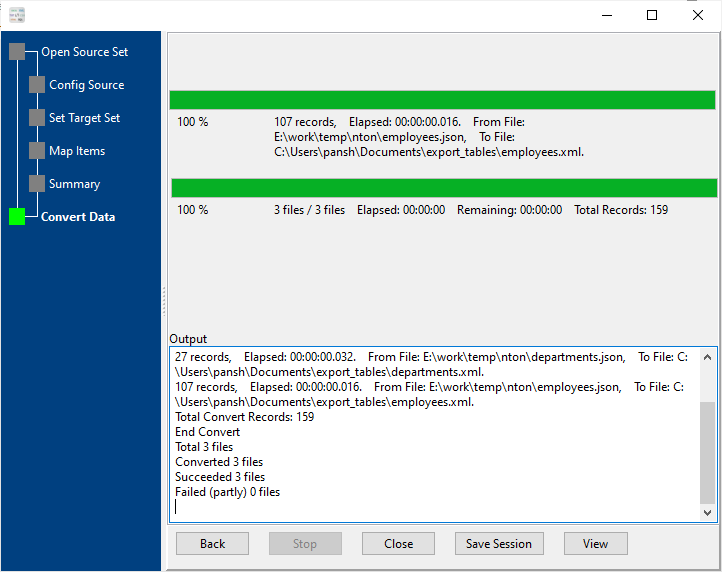
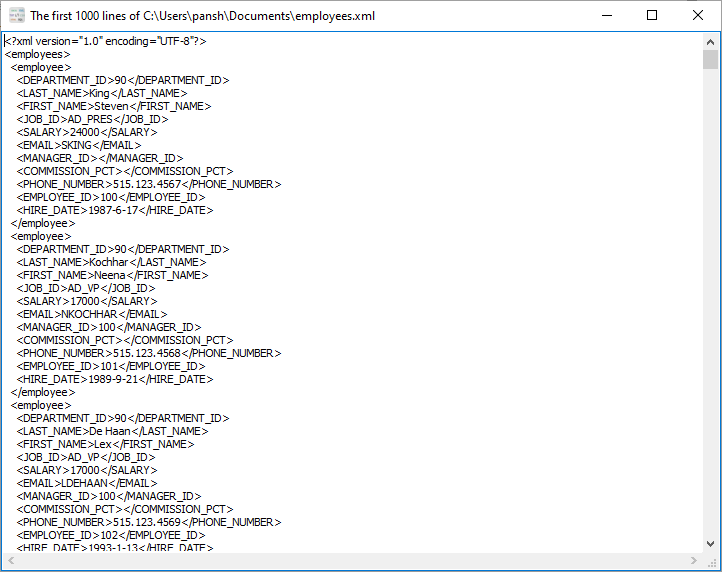
  4. Run conversion: export to single XML, multiple XMLs, or merged XML 📷

FAQ

Does the converter handle large JSON files?

Yes, it uses stream reading to process large JSON and JSONL files efficiently without loading the entire file into memory.

Can I convert JSON arrays to XML?

Absolutely. JSON arrays are automatically mapped to repeated XML elements, and you can customize element names.

Is JSONL (JSON Lines) supported?

Yes, JSONL / NDJSON is natively recognized and can be converted to well-formatted XML directly.

Can I pull JSON from an API and convert to XML?

Yes, you can input a REST API URL, the tool will fetch the JSON response and convert it to XML in one step.

Does it support batch JSON to XML conversion?

Yes, you can select a folder of JSON files and convert them to XML files in one batch operation.

Can I merge multiple JSON files into one XML?

Yes, you can combine multiple JSON or JSONL files into a single XML document with unified structure.

Is data secure during conversion?

All conversion runs locally on your computer. No files are uploaded to any server, ensuring full data privacy.

Is there a command line version available?

Yes, you can save conversion settings as a profile and run it via command line (CLI) for automation and scripting.

Download & Start Converting

Available for Windows, macOS, Linux. Free trial available.

Download DataFileConverter