Want to bulk import TSV files into dBase tables at one time?
Try Withdata FileToDB, a desktop TSV to dBase converter for Windows, MacOS, and Linux, Convert TSV to dBase, Easy and Fast.
- Can run in GUI mode, Step by Step, just a few mouse clicks.
- Can run in Command line, for Scheduled Tasks and Streams.
- Convert locally and privately, avoid uploading large or private TSV files to online services.
- Support Windows, Linux, and macOS.

Bulk import TSV files into dBase tables
Login to dBase -> Choose TSV files -> Set dBase tables -> Import TSV files to dBase tables
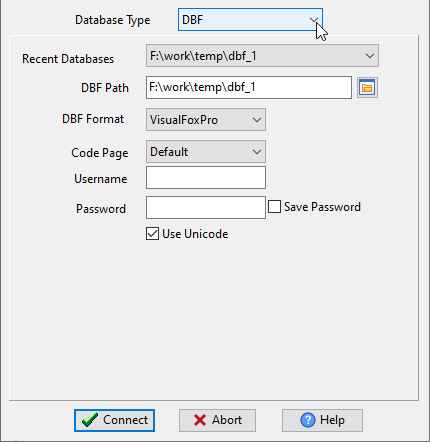
Choose dBase and logon.
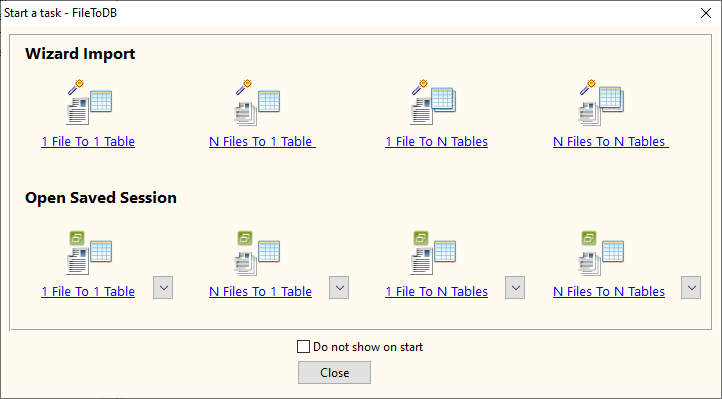
Click “Wizard – N Files To N Tables” at task dialog.
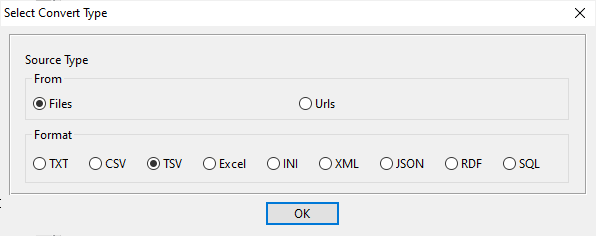
Select the “TSV” file type.
then show the wizard.
1. Select a folder that constains TSV files.
Support large ( > 4GB ) TSV files.
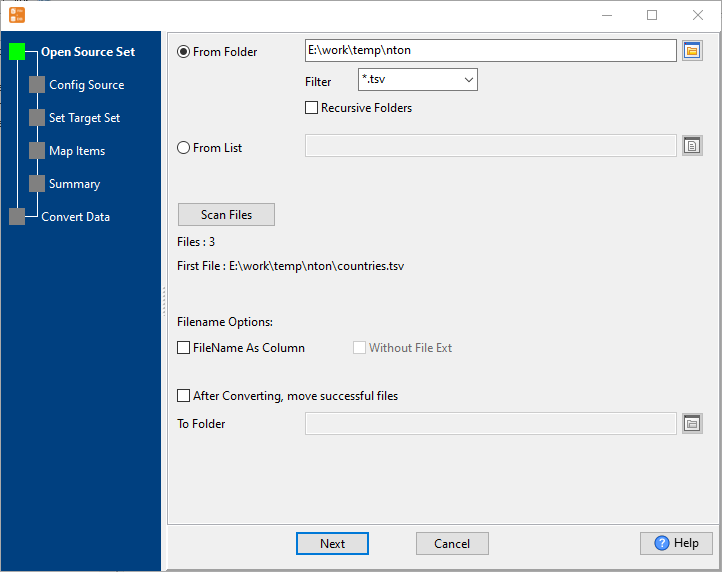
2. Config first TSV file importing options.
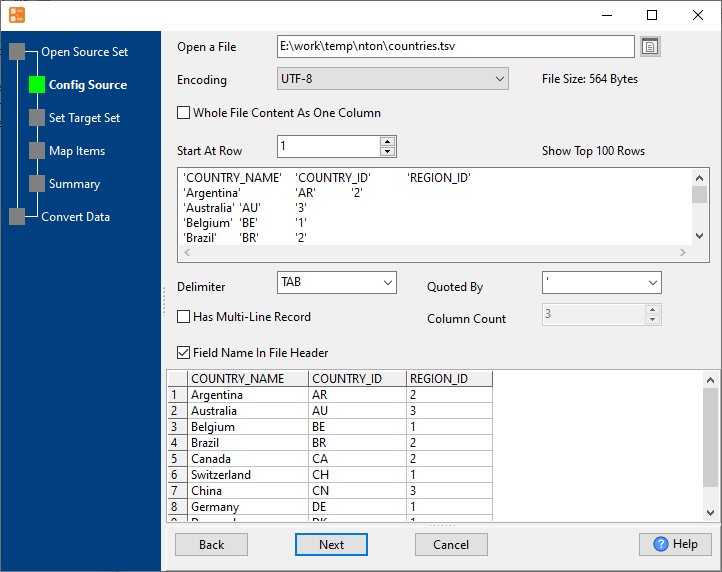
3. Set “Import Type”.
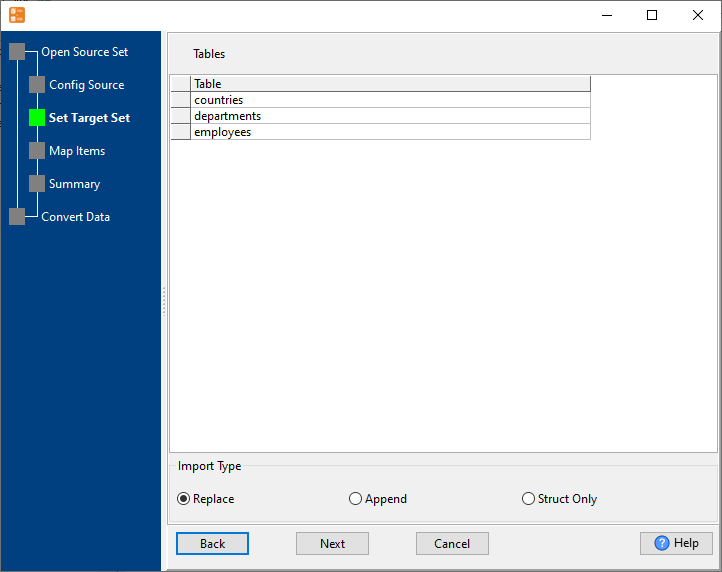
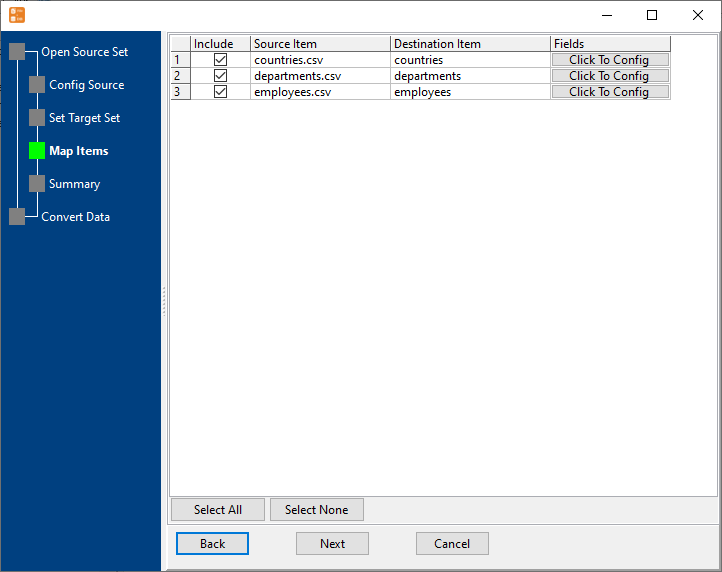
4. Map dBase tables to TSV files.
5. Summary. Set “Convert Rows” and “Skip Rows” if need.
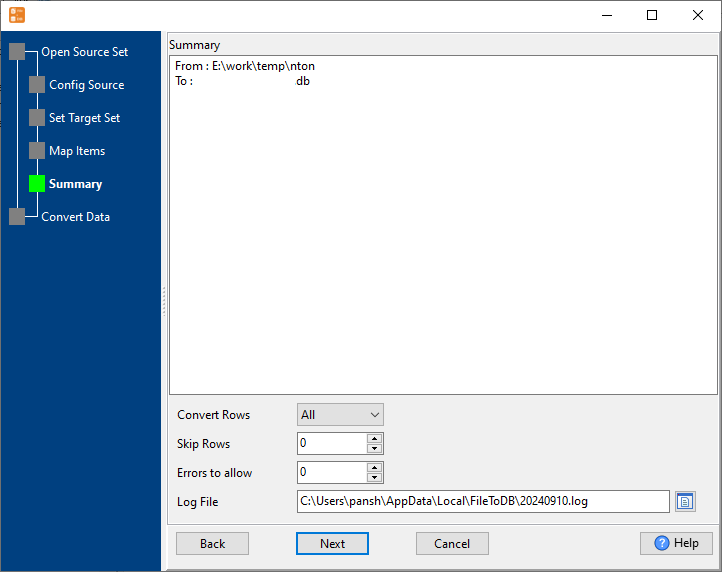
6. Import TSV files to dBase tables, 1 file to 1 table, one by one.
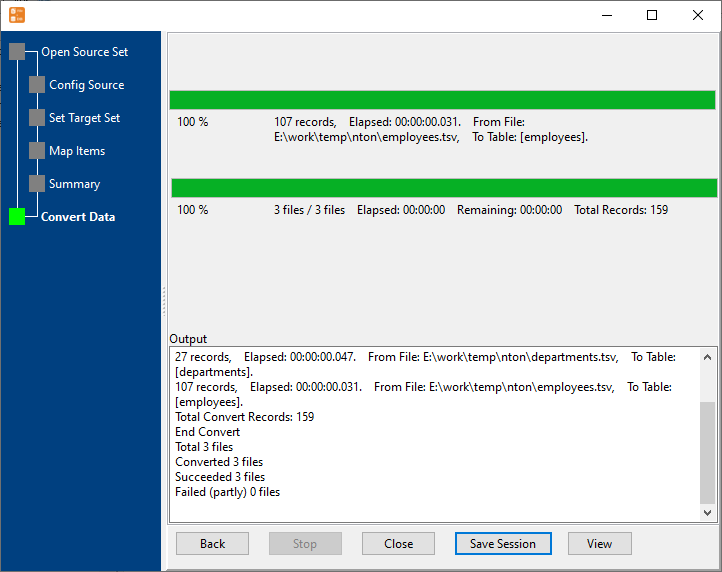
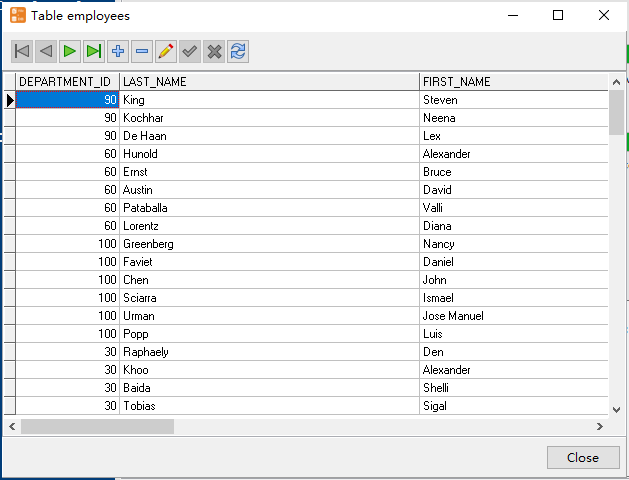
View imported data in dBase table
Bulk import TSV files into dBase tables in command line
Save “bulk TSV files to dBase tables” session, then you can:
- Bulk import TSV files into dBase tables in Windows command line.
- Bulk import TSV files into dBase tables in Linux command line.
- Bulk import TSV files into dBase tables in macOS command line.
Set scheduled tasks for bulk importing TSV files into dBase tables
You can schedule and automate this converting task by:
- Save session and create .bat (Windows) or .sh (Linux/macOS) file for “TSV to dBase” conversion.
- Set scheduled task for “TSV to dBase” conversion.
FAQ
More about Withdata FileToDB – TSV to dBase converter
Download Withdata FileToDB
See also:

